Home automation works best when it is designed around what happens in the house: who wakes up first, which rooms get afternoon sun, who needs to get in while you are away. We start there, then choose equipment and a platform that fit. AppxSmart, by SwayPC, works onsite in homes from Hollywood through Key West.
What does home automation look like day to day?
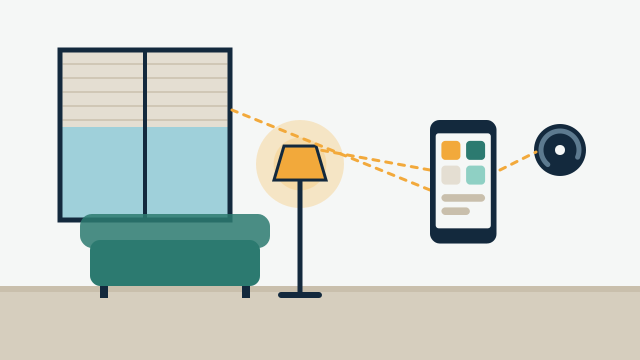
For most households it means fewer apps and fewer manual steps. A single “good night” button can turn off lights, lower shades, lock the front door and set the thermostat. Arriving home can switch on a path of lights. A leak sensor under the water heater can send an alert and, with a supported valve, close the water supply.
Each of these is a scene or an automation, meaning a set of actions that runs from one command or from a trigger such as time of day. We build them around your routines and keep the daily controls simple: a keypad by the door, a few buttons in the app, voice control if your household already uses it. You can read more about the building blocks in our guide to what custom automation can do.
How do we start with what you already own?
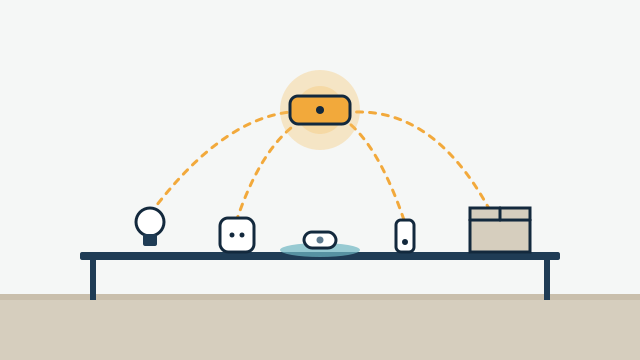
We assess your current equipment first. Many homes already have a smart thermostat, a video doorbell, a few smart plugs and speakers from different brands. Some of these can be brought into one system and some cannot, depending on the exact model, the firmware and the platform.
Platforms we may recommend include Apple Home, Google Home, Amazon Alexa, SmartThings, Lutron, Control4 or Home Assistant, and Matter is becoming a common standard for devices that need to work across them. We do not start from a preferred brand. We start from your devices, your network and how much you want to manage yourself, and we only recommend replacing something when there is a clear reason.
Primary homes, condos and second homes have different needs
| Property type | Common priorities | Typical constraints |
|---|
| Primary residence | Daily scenes, shades, climate comfort, family access | Mixed devices bought over time, Wi-Fi gaps |
| Condo | Lighting, shades, leak alerts near the air handler and water heater | Association approvals, work hours, no exterior changes |
| Second home | Remote status checks, leak alerts, arrival preparation | Depends on internet and power while nobody is there |
Second homes need the most candid planning. A system can report temperature, humidity, leaks and door status, but it cannot prevent every problem, and it needs working power and internet to reach you. We explain what keeps running locally, what needs the cloud and what a battery backup for the network can and cannot cover.
Retrofit or renovation?
Both work, with different trade-offs. In a retrofit, we favor devices that replace existing switches or run on batteries, and we place wireless equipment carefully so it stays reliable. In a renovation, the walls are open, which is the right time to run low-voltage wire for keypads, network access points and shade power. That wiring costs little to add during construction and avoids compromises later.
Any electrical or plumbing work that requires a license, such as a new circuit or a shutoff valve on the main line, is handled by appropriately licensed trades. We coordinate that work as part of the project.
Illustrative example: A homeowner in a 1990s house has a smart thermostat, two brands of smart plugs and a video doorbell, each with its own app. After the assessment, the plan keeps the thermostat and doorbell, replaces the plugs with in-wall dimmers for the main rooms, and adds two access points so the devices stay connected in the back bedrooms.
How AppxSmart can help
We visit the home, review your devices and network, and send a written proposal that explains the recommended platform and each phase of the work. Most homes start with custom automation tied to lighting control and climate, then add shades, access or leak protection over time. Optional support agreements are available after installation, with hours and scope defined in each agreement.
When you are ready, request a free consultation and we’ll contact you as soon as possible.