You can automate a condo or an older home without opening walls, but the plan has to start with the building’s rules and the building’s limits. In a South Florida condo, that means the association’s declaration and renovation rules, a shared network you may not control, concrete you can’t easily drill, and equipment like fan coils and entry systems that belong to the building. Within those limits, wireless and battery devices can cover most of what owners want.
What does the condo association need to approve?
Start with the association’s declaration, rules, and any renovation or alteration policy, and ask management in writing before work starts. In Florida, condominium law sets some baseline rules. Section 718.113 of the Florida Statutes, for example, limits material alterations to common elements without the approval required by the declaration, and it has specific provisions on hurricane protection specifications adopted by the board. The details that affect a typical automation project usually sit in your own association’s documents.
Items that commonly need a conversation with management:
- Anything on or in the unit entry door, including replacing the lock or adding a video doorbell in the hallway.
- Window treatments visible from outside, if the association regulates their color or appearance.
- Work that touches building wiring, risers, or shared electrical panels.
- Penetrations in walls, ceilings, or slabs, which may involve fire separation or post-tensioned concrete.
- Contractor requirements such as insurance certificates, registration, and permitted work hours.
Items that rarely need approval include plug-in devices, smart bulbs, battery sensors, and changes made entirely inside the unit’s own devices. Even so, the association’s documents are what count, and they vary from building to building.
What limits does the building’s network and wiring set?
Plan your own private network for the unit, and don’t rely on the building’s shared Wi-Fi for automation. Shared building networks often isolate devices from one another, which can stop a phone from finding a hub or a speaker on the same network. You also can’t control when the building changes passwords, equipment, or settings.
Wiring limits are just as real. Condo walls and ceilings are often concrete, low-voltage cable may only reach the spots the developer chose, and the building’s telecom room is usually off-limits. Thick concrete also weakens Wi-Fi between rooms, so a unit that looks small on a floor plan can still need more than one access point. Our article on why networking matters for automation covers network design in more depth.
Which no-new-wire options work in a condo or retrofit?
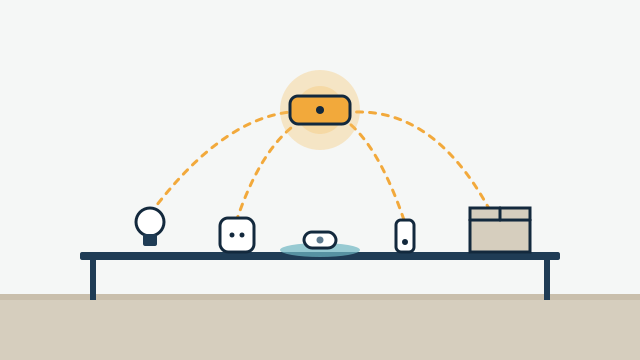
Wireless switches, plug-in modules, battery sensors, and battery or plug-in shade motors cover most needs without new wire. The table shows the common options and their tradeoffs.
| Need | No-new-wire option | What to check first |
|---|---|---|
| Lighting control | Smart switches or dimmers in existing boxes; smart bulbs; plug-in lamp modules | Many smart switches need a neutral wire, which older switch boxes may lack; dimmers must match the light fixture type |
| Scene keypads | Battery-powered wireless keypads or remotes mounted on the wall | Platform support and battery type |
| Leak alerts | Battery leak sensors under sinks, the water heater, washer, and fan coil | Hub or platform support; who gets the alert |
| Shades | Battery or plug-in motorized shades | Mounting depth, window size, association rules on appearance |
| Climate | Smart thermostat compatible with the existing system | Fan coil and controls type (see below) |
| Door and window status | Battery contact sensors | Sliding door frames and hurricane shutters can affect placement |
The wireless part of this works through radio protocols such as Wi-Fi, Thread, Zigbee, or Z-Wave. They each need a compatible hub or controller, and they don’t all talk to each other. We verify the exact model and platform before promising integration, and our article on getting smart devices to work together explains how mixed setups are handled.
What should you know about battery devices?
Battery devices make retrofits practical, but they need a maintenance plan. Many low-power devices are built to sleep most of the time and wake to report. Home Assistant’s Thread documentation, for example, describes battery-powered “sleepy end devices” that keep their radios off most of the time to save power, with the border router (the device that connects the Thread mesh to your home network) holding messages until they wake.
That design has practical effects. A battery sensor may take a moment to respond or report, and it needs nearby always-powered devices or a hub within range. Mesh networks like Thread and Zigbee get stronger as more mains-powered devices are added, so a unit with only battery sensors may need a plug-in router or hub in a central spot.
Plan for batteries the way you plan for air filters. Record what battery each device takes, check levels during regular visits, and avoid mixing so many battery types that every replacement becomes a hunt.
Illustrative example: A two-bedroom condo in Brickell is set up with battery leak sensors at the water heater, kitchen sink, washer, and fan coil drain pan, contact sensors on the balcony sliders, and wireless keypads by the entry and the primary bedroom. Two plug-in devices strengthen the mesh. Nothing required opening a wall, and the owner keeps a one-page list of devices and battery types.
Can you motorize shades in a condo?
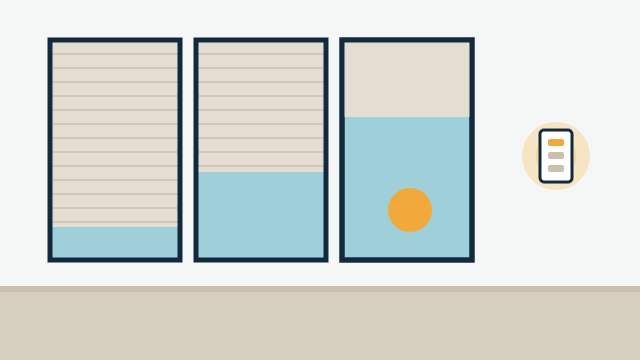
Yes, in most units, using battery or plug-in motors where hardwired power isn’t available. Battery shade motors are typically recharged or have their batteries replaced on a schedule that depends on use and the motor. Plug-in motors need an outlet near the window and a tidy route for the cord.
Check mounting depth before choosing a product, since some condo windows have shallow pockets or frames shared with hurricane shutters. If the association regulates what is visible from outside, confirm fabric color or lining requirements. Interior shades don’t count as hurricane protection, which is governed by the specifications the association adopts. Our guide to planning motorized shades covers fabrics, sizing, and power options.
What about locks on building-controlled doors?
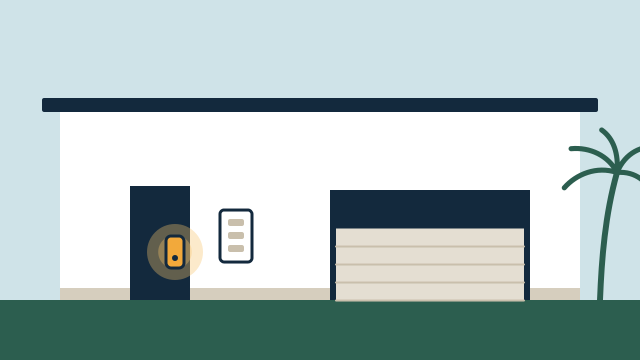
Your unit entry door is usually yours to equip, within association rules. Building doors are a different matter. Lobby entries, garage gates, elevators, and amenity doors are usually controlled by the building’s access system, and owners shouldn’t modify them.
What you can often do:
- Install a smart lock on the unit entry door if the association allows the hardware and finish. In many buildings the entry door is a rated door, so ask management before changing hardware.
- Give guests, cleaners, and dog walkers their own unit codes.
- Ask management how the building issues fobs or app credentials for your visitors. Some buildings have a process; others don’t.
What you usually can’t do is connect your smart home to the building’s gate or elevator system. If the building’s access platform offers resident features, those live in its own app.
Can you add a smart thermostat to a fan coil unit?
Sometimes, but verify compatibility first. Many South Florida condos cool each unit with a fan coil, which may run on building chilled water or on a split system, and the thermostat must match those controls. Consumer smart thermostats are usually designed for low-voltage systems. Google’s Nest specifications, for example, describe support for most 24V systems and point buyers to a compatibility checker.
Some fan coils use line-voltage thermostats, multi-speed fan controls, or controls supplied by the building. Those may need a compatible thermostat from a different category, an interface module, or may need to stay as they are. Many condos also require that HVAC work be coordinated with the association or done by its approved contractor. We check the existing equipment and wiring on site before recommending a thermostat. Our article on smart thermostats and climate control covers humidity control and scheduling.
How should installation be planned in an occupied building?
Plan the visit around the building’s rules, because the building sets the schedule. Many associations limit work to certain weekday hours, require elevator reservations or padding, and restrict where contractors can park and unload.
A practical installation plan:
- Get the association’s contractor requirements and send any insurance certificates management requests.
- Book the elevator and loading area if the building requires it.
- Group noisy tasks, like drilling for shade brackets, into one window of time and let the neighbors know if management recommends it.
- Program and test as much as possible off site, so time in the unit is spent on mounting and final setup.
- Leave a written list of devices, access codes, and batteries before leaving the building.
How AppxSmart can help
AppxSmart, by SwayPC, plans condo and retrofit projects around the association’s rules and the building’s limits. We start by reviewing what is already installed and what the building allows, then recommend custom automation built mostly from wireless and plug-in devices, with a private network for the unit where it makes sense. When work touches building systems, we coordinate with management and with appropriately licensed trades. To talk through your unit, request a free consultation and we’ll contact you as soon as possible.
Questions people ask
Do I need association approval to install smart devices inside my unit?
It depends on the declaration and rules of your association, and on what the work touches. Swapping a lamp for a smart bulb rarely concerns anyone. Changes to entry doors, exterior-facing windows, building wiring, or common elements usually do. Ask the management office in writing before you buy.
Can I use the building's Wi-Fi for my smart home?
Sometimes, but it is often a poor fit. Shared building networks may block the device discovery that many smart home platforms rely on, and you don't control their settings or upgrades. A private network for your unit, using the building's internet connection or your own service, is usually easier to support.
Will battery-powered devices need a lot of maintenance?
They need some. Battery life varies with the device and how often it reports, from months to a few years. Most platforms show battery levels, and a good plan groups devices so replacements can be done in one visit.