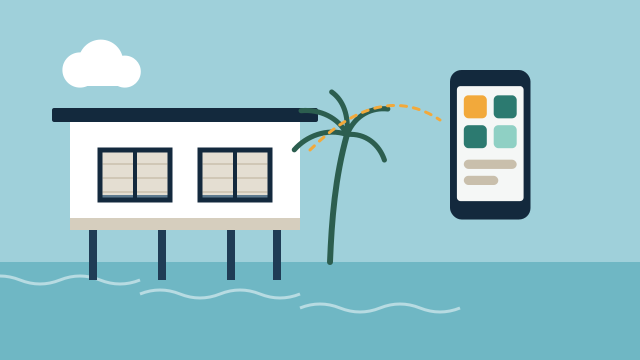
A second home in the Florida Keys sits empty for weeks at a time in a warm, humid, salt-air climate, often hours from where the owner lives. Useful automation for that kind of property does four things well. It reports conditions you can’t see from away, prepares the house before you arrive, gives the right people access without handing out keys, and supports your storm-season routine. It also has limits, and most of them come down to internet and power on the island.
What can you actually check from away?
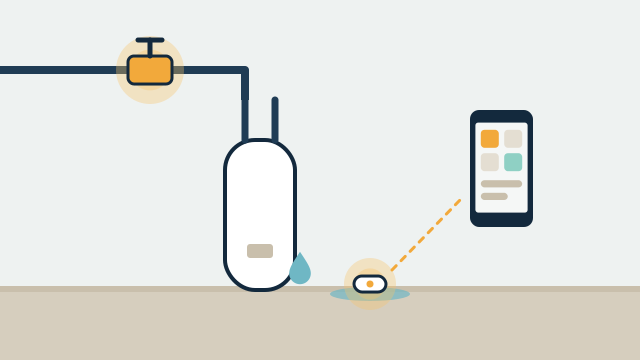
You can check what a sensor can measure and report. That usually means indoor temperature and humidity, water at specific spots, the state of doors and locks, and whether the system itself is still online. You cannot “see everything”, and a sensor only knows about the spot where it sits.
| What you want to know | Typical device | What it depends on | Limitation to plan for |
|---|---|---|---|
| Is the house too warm or humid? | Thermostat, temperature and humidity sensors | Internet for remote view; power for the HVAC | A reading tells you there is a problem; someone may still need to visit |
| Is there water on the floor? | Leak sensors under the water heater, sinks, washer, AC air handler | Battery or wired sensor, hub, internet for alerts | Detects water only where the sensor touches it |
| Can the main water supply close? | Motorized shutoff valve that the platform supports | Power or valve battery, licensed plumber for installation | Closing the valve stops supply; it does not undo water already released |
| Is the door locked? | Smart lock, door sensor | Lock battery, radio link to hub | Lock status is only as current as the last report |
| Is the power on? | Devices going offline, a hub on battery backup, an energy monitor | Backup battery and a path to the internet | Without backup, an outage and an internet failure look the same |
Humidity deserves attention in the Keys. An empty house with the air conditioning set too high, or turned off to save money, can get damp quickly. A thermostat schedule plus separate humidity sensors in closets or bedrooms gives you a better picture than the thermostat reading alone. We cover sensor placement and valves in more detail in water leak alerts and automatic shutoff.
Illustrative example: A Marathon canal home has leak sensors at the water heater, kitchen sink, washer, and air handler, plus a humidity sensor in the primary closet. The owner gets an alert if humidity stays above a set level for several hours, and the leak sensors can close a supported shutoff valve. A caretaker gets the same alerts so someone nearby can respond.
How should arrival and departure routines work?
A departure routine puts the house into its “away” state with one action, and an arrival routine undoes it a few hours before you get there. A routine (sometimes called a scene or automation) is a saved set of commands that runs together.
A typical departure routine might set the thermostat to an away setting that still manages humidity, lock the doors, close motorized shades on the hot side of the house, turn off selected outlets, and arm leak alerts with the valve set to close automatically. An arrival routine runs from your phone, or on a schedule you set before the trip, to bring the temperature down, open the shades, and turn on entry and landscape lighting for an evening arrival.
Plan these details with whoever installs the system:
- Which settings must never change while you’re away, such as the minimum cooling needed for humidity control.
- Who can trigger arrival mode. You may want the caretaker able to run it if your flight is delayed.
- What gets turned off. Refrigerators, network equipment, and the hub itself should stay on.
- How you confirm the routine actually ran. A short summary notification is better than assuming.
How do caretakers, cleaners, and vendors get in?
Give each person or company their own access, limited to when they need it. Most smart locks support multiple user codes, and many support codes that only work on certain days or times. When a cleaning company changes staff, you change their code without touching anyone else’s.
Separate access has a second benefit. Many locks and platforms keep an activity record that shows which code opened the door and when. That record is useful when you’re coordinating a pool service on Tuesday and a cleaner on Friday from out of state.
A few practical points for Keys properties:
- Choose locks and finishes suited to salt air for exterior doors, and plan on battery changes during visits.
- Keep a mechanical key option with someone you trust. Batteries die and radios fail.
- If a gate or garage is involved, decide who needs remote control of it and who only needs a code.
Our guide to smart locks, garage doors, and access control goes deeper on lock types and user management.
What should hurricane-season preparation include?
Automation can support your storm checklist, but a person still has to carry most of it out. The Atlantic hurricane season runs June 1 to November 30, and NWS Key West notes that the Keys are most often affected in September and October. The office also points out that evacuating the Keys takes roughly two days, so local officials usually issue orders well before a storm arrives. That timing matters for an absentee owner, because your caretaker may be leaving at the same moment you’d want them to check the house.
Things automation can reasonably help with before a storm:
- Confirm remotely that doors are locked and that leak sensors and the valve are online.
- Close the water supply through a supported valve if you decide to do so before leaving the property empty.
- Check thermostat settings, and decide what the HVAC should do if power returns before anyone can visit.
- Close motorized shades if that is part of your plan, with the understanding that interior shades are not storm protection.
Things that remain manual: shutters or other approved window protection, bringing in outdoor furniture, securing boats and loose items, and documenting the property. Monroe County’s planning guidance recommends knowing where your gas, electric, and water shutoffs are, and taking photos or video of the property to keep with copies of important papers. Monroe County also notes that all of the Keys are vulnerable to storm-surge flooding, which is a good reason to mount hubs, network gear, and backup batteries off the floor where you can.
After a storm, devices that come back online can tell you whether power and internet have returned, and sensors can report temperature and water at their locations. They can’t tell you about roof damage or flooding beyond the sensor. Follow county instructions on when it is safe to return.
How reliable are internet and power in the Keys, and what happens when they fail?
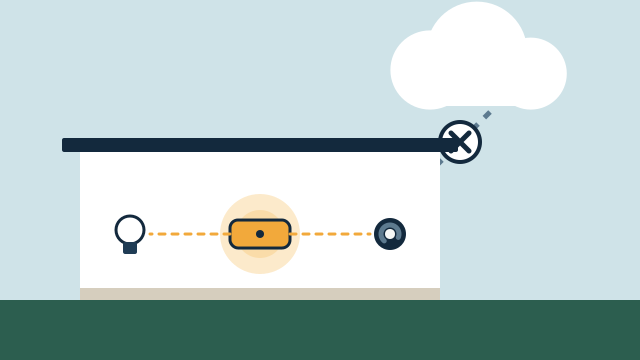
Plan as if both will fail sometimes, especially after storms. Remote access, phone notifications, and cloud integrations usually require internet at the house. Many devices also need a cloud service to accept commands from your phone, while some platforms can keep running local routines without internet as long as they have power.
| Failure | What usually keeps working | What usually stops |
|---|---|---|
| Internet down, power on | Local routines on platforms that support them; battery sensors talking to a local hub | Alerts to your phone, remote control, cloud-only devices |
| Power down, internet provider also down | Battery devices for a while; a hub and router on a battery backup | Anything on house power; remote visibility once batteries run out |
| Power down, cellular backup available | With a backup battery and a cellular router, alerts can continue for a limited time | HVAC, valves without their own battery, most lighting |
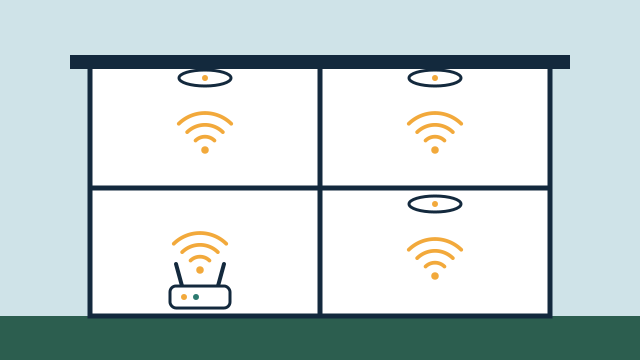
Options that improve visibility include a second internet path (such as a cellular backup on the router), a battery backup for the router and hub, and platforms that can run important routines locally. The right combination depends on which devices you use and how long you need them to keep reporting. Local control vs. cloud automation explains these dependencies in more detail.
Remote access itself should be set up carefully. Home Assistant, as one example, is reachable only from the local network by default, and its documentation describes several remote access methods, warning that simply opening a router port is not secure. Other platforms have their own secure remote options. We set up remote access using the method the platform recommends.
How should visits and handover be organized?
Treat each visit as maintenance time, and keep a written handover that someone else could follow. For an owner who is often away, a short document is worth more than a clever routine.
A useful handover file includes:
- A list of installed devices, where they are, and what kind of batteries they use.
- Which user codes exist and who they belong to.
- How the network is organized, where the router and hub sit, and how to restart them.
- What alerts go to whom, and what each person is expected to do.
- How to reach your support provider.
During owner visits, test leak sensors, check battery levels, confirm the valve closes and opens, and look at the network equipment for heat or corrosion. A support agreement can cover some of this remotely, and onsite visits can be scheduled around your stays.
Illustrative example: A Key West owner visits four times a year. Before each visit, the arrival routine cools the house the day before. On the first morning, the owner runs a ten-minute checklist from the handover file: test two leak sensors, check lock batteries, confirm the router’s backup battery is charged. Issues found get logged for the next support visit.
How AppxSmart can help
AppxSmart, by SwayPC, serves the Keys onsite from Key Largo through Key West, with travel included in each project quote. We start by assessing what is already installed, then design remote visibility, routines, and access around how the property is actually used. Because automation depends on the network, we plan Wi-Fi and networking and backup options as part of the project, and we explain what will and won’t keep working during an outage. You can read more about our Florida Keys service area, or request a free consultation and we’ll contact you as soon as possible.
Questions people ask
Can I see if the power is out at my Keys house?
Indirectly, in most setups. When the house loses power and internet, devices stop reporting, and many platforms can notify you that the home went offline. A hub on a battery backup with a cellular internet connection can report the outage itself for as long as its batteries last.
Do you install in the Lower Keys and Key West?
Yes. Our onsite service area runs from Hollywood through Key West, and travel is included in each project quote. We don't have an office in the Keys, so visits are scheduled in advance.
Will automation protect my house during a hurricane?
No system can promise that. Automation can help you check conditions before and after a storm, close a supported water valve, and confirm settings remotely. Physical protection, insurance, and evacuation decisions remain the owner's and the county's domain.