
Support and maintenance
Keep the automation you rely on working, whether it needs one visit to fix or someone who knows it over time.
What you can expect
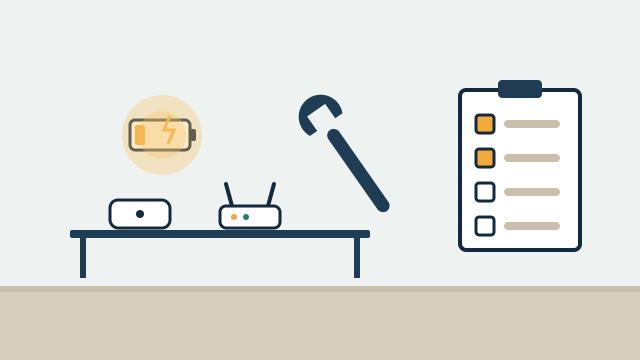
- A diagnosis of why devices, scenes, or the app stopped behaving as expected.
- Firmware and platform updates applied with a plan to check what changed.
- A move off a discontinued hub or platform, with automations rebuilt where devices allow.
- Clear documentation of how your system is set up, so it doesn't depend on one person's memory.
Where it fits
In homes
- Fixing scenes that broke after a router replacement or app update.
- Checking a second home's sensors, batteries, and connections before hurricane season.
- Moving devices from a hub the manufacturer stopped supporting to a current platform.
In businesses
- Updating staff access and schedules when people or hours change.
- Periodic checks on cameras, thermostats, and network equipment across several sites.
- Taking over a system installed by someone else who is no longer available.
One-time help or recurring care
Some properties need one visit to fix a problem. Others benefit from someone who knows the system and checks on it over time. We offer both, and you can start with one and move to the other.
| One-time project | Recurring support agreement | |
|---|---|---|
| Best for | A specific problem, an upgrade, or a migration | Systems you rely on daily, second homes, multi-site businesses |
| Scope | Defined in the proposal for that job | Defined in the agreement: hours, response commitments, remote and onsite work |
| Fees | Quoted for the job | Set in the agreement |
| Ends | When the job is done | When the agreement term ends or either side ends it as the agreement allows |
How troubleshooting works
Automation problems usually come from a short list of causes: a device that lost its network connection, a hub that updated, a cloud service that changed, a dead battery, or a setting someone changed. We start by mapping the system: which devices exist, which hub or platform each one uses, which accounts own them, and how the network ties them together. Then we test from the device outward.
When remote access has been set up with your permission, many software and configuration issues can be checked without a visit. Hardware failures, wiring problems, and devices that need to be re-paired usually need someone onsite. We tell you which kind of problem it appears to be before scheduling a visit.
Upgrades and migrations
Smart home platforms change. Hubs reach end of support, apps get replaced, and cloud services shut down. When that happens, the devices themselves often still work and can move to a new platform. Devices built on open protocols such as Zigbee, Z-Wave, and Matter are generally easier to move than devices tied to one brand’s cloud.
A migration starts with an inventory of every device and automation, followed by a plan that shows which devices can move, which need replacing, and in what order. We rebuild scenes and schedules on the new platform, which might be Home Assistant, Apple Home, Google Home, SmartThings, or another option suited to the property, and we test them with you before the old hub is retired.
Illustrative example: A property manager in the Florida Keys oversees three rental homes, each with a hub that its manufacturer has announced will lose support. In this example, we inventory each home, move compatible locks and leak sensors to a current platform, replace two devices that cannot move, and set up one consistent set of guest scenes. A recurring agreement then covers periodic remote checks and an onsite visit before hurricane season, with the scope written into the agreement.
Keeping systems healthy
Most regular care is routine work, such as replacing sensor batteries before they die, applying firmware updates in a controlled way, checking that backups of the platform configuration exist, and confirming that alerts still reach the right people. In coastal properties we also look for corrosion on outdoor equipment. A strong Wi-Fi and network setup heads off many common problems, so support often includes a network check. Our guide to maintaining and troubleshooting automation covers what owners can check themselves.
Getting started
Describe what isn’t working, or what platform you need to move off, through the free consultation. We’ll contact you as soon as possible and propose either a one-time job or an agreement with its scope spelled out.
Scope and planning
What it depends on
- Administrator access, or the ability to recover it, for the apps, platforms, and network involved.
- A list or photos of the main devices and hubs, if available.
- Your permission for any remote access, which you can withdraw at any time.
- Physical access to the property for onsite work, or someone who can provide it.
Limitations to know
- Some devices cannot be migrated because the manufacturer limits them to its own app or cloud.
- We can't restore features a manufacturer has removed or a cloud service that has shut down.
- Support does not include alarm monitoring or emergency response.
- Hours, response commitments, remote and onsite scope, and fees are set in each agreement, not assumed.
What affects the cost
- One-time visit versus a recurring support agreement.
- Size and complexity of the system, and how many platforms and sites it spans.
- Whether the system has documentation or needs to be mapped first.
- Replacement hardware needed for failed or unsupported devices.
- The remote and onsite scope written into an agreement.
Every project is quoted individually after the free consultation. There's no minimum project size, and travel is included in the quote.
Questions people ask
Do you support systems you didn't install?
Yes. We start by mapping what is there, including devices, hubs, accounts, and network, and then tell you what can be maintained as is and what needs attention.
What is included in a support agreement?
Each agreement is written for the property. It defines the hours, response commitments, how much is remote versus onsite, and the fees. Nothing is assumed beyond what the agreement states.
My hub is being discontinued. What happens to my devices?
It depends on the devices. Many Zigbee, Z-Wave, and Wi-Fi devices can move to another platform, while some brand-locked devices cannot. We check each model and propose a migration plan before anything is removed.
Do I need an agreement to get help?
No. You can request one-time troubleshooting or an upgrade without an ongoing agreement. Agreements suit people who want recurring check-ins and a defined scope.
Related services
Related reading
- Maintaining and troubleshooting an automation system: updates, backups, and recovery
A practical guide to keeping home and business automation healthy: updates, backups, battery care, documentation, account ownership, troubleshooting, and recovery. -
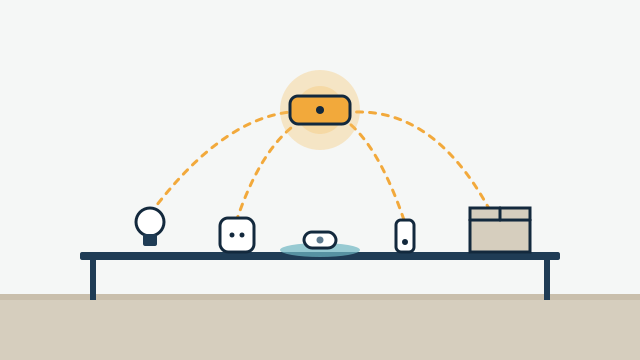 Can your existing smart devices work together?
How existing smart equipment is assessed: exact models, Wi-Fi, Zigbee, Z-Wave, Thread, Matter, cloud APIs, and when reusing a device beats replacing it. -
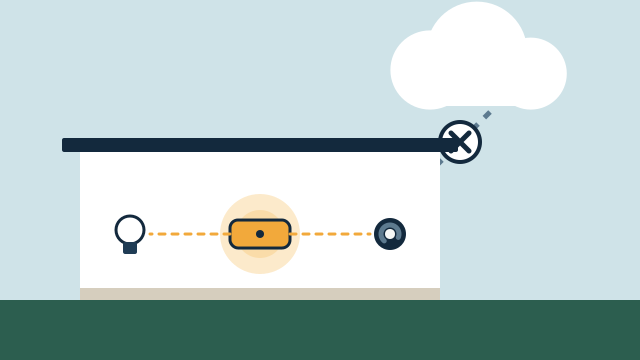 Local control vs. cloud automation: what keeps working, and why it matters
How local and cloud-connected automation differ during internet and power outages, vendor changes, and remote access, and which functions should run locally.
Tell us about your property
Answer a few short questions and the SwayPC team will contact you to arrange your free consultation and proposal. There's no minimum project size, and travel is included in every quote.