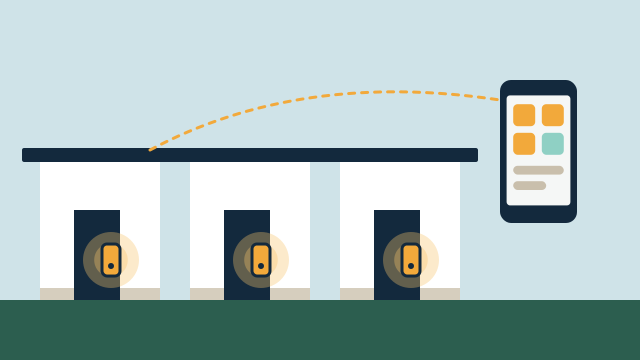
Managing several properties means managing several sets of keys, codes, thermostats and service visits, often for owners who are not nearby. Automation helps most when it is consistent from one property to the next and documented well enough that anyone on your team can follow it. AppxSmart, by SwayPC, plans these setups for property managers onsite from Hollywood through Key West.
Why does consistency matter across properties?
Every different brand or app adds training time and another place for something to go wrong. When the locks, thermostats and leak sensors follow the same pattern at each address, your team learns one way of working and can troubleshoot without a site visit for every question.
Full standardization is not always possible. Associations may require specific hardware, and some properties already have equipment that works well. We assess what is installed first, verify the exact models, and propose a common platform where it makes sense, converting properties in phases as leases or budgets allow.
Who should own the accounts?
Settle this before installation. Smart locks, thermostats and cameras are tied to platform accounts, and whoever owns the account controls the system. Some owners want the accounts in their name with your team as authorized users. Others prefer the management company to hold the accounts and hand them over if the relationship ends.
Either approach can work. What causes problems is leaving it undefined. We record the account owner, the admin users and the handover steps for each property in the proposal and in the documentation we deliver.
How should guest, staff and vendor access be planned?
Each person or company should have its own code, limited to the days and hours they need. Supported smart locks and access control can schedule codes, log entries and remove a code without affecting anyone else.
| Who needs access | Typical code rule | Who manages it |
|---|
| Owner and family | Permanent, owner-controlled | Owner or manager, as agreed |
| Tenants or guests | Valid for the lease or stay | Manager |
| Cleaning, pool and AC vendors | Specific days and hours | Manager |
| One-time repair | Single day, removed afterward | Manager |
Short-term rental rules vary by city and association, and some associations restrict lock changes on unit doors. Check those rules before choosing hardware, and we will plan within them.
Agree on which alerts the owner receives and which stay with your team. A leak or a high-temperature alert in a vacant unit might go to both, while routine vendor entries might appear only in your log. Most platforms allow several users with different permission levels, so owners can see status without changing settings.
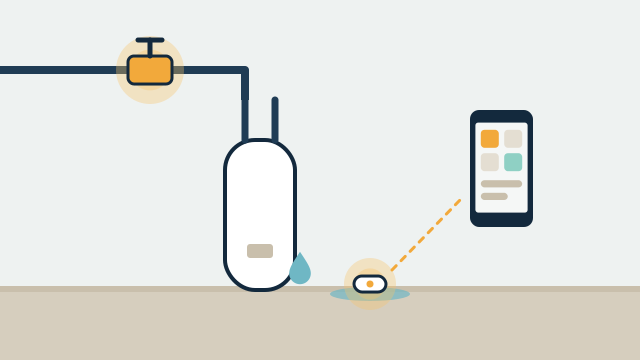
Illustrative example: An owner abroad asks the manager for reassurance after a tropical storm passes. With power and internet restored at the property, the manager can check the thermostat reading, leak sensor status and door lock state in the app before sending a crew. If the property is still offline, the app shows that too, which tells the manager a visit is needed.
How AppxSmart can help
We review each property, recommend a common platform where it fits, and deliver documentation your team can use. Projects usually start with access and leak detection, with support and maintenance available through optional agreements that define the properties covered and the scope.
To discuss your portfolio, request a free consultation and we’ll contact you as soon as possible.