A request for a free consultation starts a short, structured process. We learn what you want the property to do, review the equipment already there, visit when the project needs it, and then prepare a written proposal tailored to that property. The consultation and proposal are free, there is no minimum project size, and nothing starts until you approve a proposal. This article walks through each step and what you can prepare to make it go well.
How do you request a consultation?
You start with the guided consultation form on our website. It asks a few questions about the property, what you’d like to improve, and the equipment you already have, so the first conversation can focus on your project rather than on basic details.
The form is the only way to reach us for a new project. After you send it, we’ll contact you as soon as possible to arrange a conversation. You don’t need to know technical terms or which brands you want. Descriptions like “I want the house ready when I land” or “I need cleaners to get in on Tuesdays without a key” are exactly what helps.
What happens in the first conversation?
The first conversation is about goals and context. We want to understand how the property is used, who uses it, and which moments in the day or week you want to change.
Typical topics include:
- The property. Home or business, primary or second home, house or condominium, new build, renovation, or existing space.
- The people. Family members, guests, staff, tenants, vendors, and how comfortable each group is with technology.
- The routines. Arrivals, departures, evenings, opening and closing, and anything that feels repetitive or clumsy today.
- The concerns. For example, checking on a property while away, controlling access, or managing climate and humidity in an empty home.
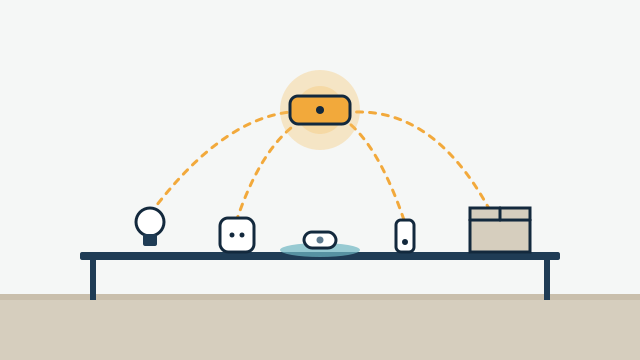
- What already exists. Smart devices, hubs, apps, the internet service, and the Wi-Fi equipment.
We also talk about the limits early. Automation provides convenience and visibility. It does not provide alarm monitoring or emergency response, it can’t guarantee savings, and remote features generally need a working internet connection. Setting those expectations at the start makes the proposal more useful.
How is existing equipment reviewed?
Before recommending anything new, we look at what you already own and what you may have bought for the project. Compatibility depends on the exact model, its firmware, and the platform chosen, so we verify the exact model before promising integration.
You can help by gathering:
- Brand and model numbers of your smart devices, from labels, app settings, or the original boxes.
- The apps and hubs you currently use, and which ones you’d rather stop using.
- Photos of key equipment where a label is hard to read, such as a thermostat’s wiring, the router, or an existing lighting panel.
Some of this review can happen before any visit. Our article on whether your smart devices can work together explains what we look for, from wireless protocols to cloud-only devices.
When is an onsite visit needed?
An onsite visit happens when the project depends on conditions that can’t be checked remotely. Many projects need one before a reliable proposal is possible, and a few small ones may not.
Common reasons for a visit:
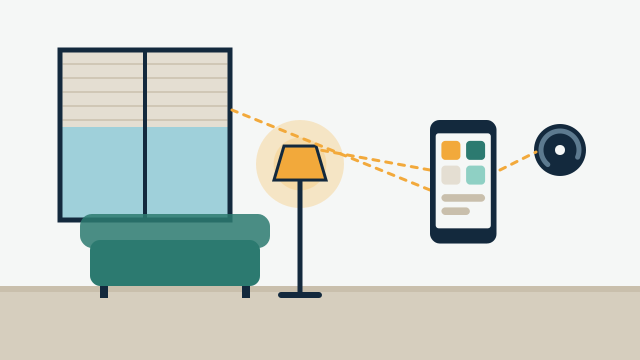
- Wiring and power. Whether switch boxes have neutral wires, where power exists near windows, and how cables could be routed.
- Network coverage. How Wi-Fi reaches the far rooms, the garage, the dock, or a detached office, and where hubs or radios should sit.
- Measurements. Window sizes and mounting conditions for motorized shades.
- Building rules. Condominium or association requirements for contractor access, work hours, and common areas.
- Coordination. Whether some work will need an electrician, a plumber, or another licensed trade.
We serve properties onsite from Hollywood through Key West, and travel is included in every project quote. There is no separate travel charge.
Illustrative example: A second-home owner in Islamorada fills out the form from out of state. In this scenario, the first conversation happens by video call, the owner sends photos and model numbers of the existing thermostat, Wi-Fi equipment, and door lock, and the property manager provides access for the onsite visit. The visit confirms Wi-Fi coverage at the back door and checks the location for leak sensors near the water heater before the proposal is written.
How is the scope defined?
Scope is the list of what the project will do, room by room and routine by routine. Defining it clearly is what lets the proposal be specific about equipment, labor, and what’s excluded.
A scope usually covers the systems involved, the routines and scenes to program, the controls each person will use, and which existing devices stay. It also states which parts depend on the internet and which work locally where the platform and devices allow it. When licensed trades are needed, the scope notes that work and how it will be coordinated.
How does phasing work?
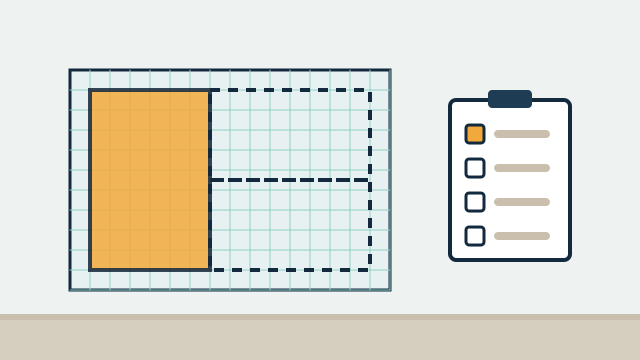
Phasing divides a larger plan into stages that can be approved and installed separately. It helps when budget, construction schedules, or simple preference make a step-by-step approach better.
The first phase usually includes the foundation: network improvements if needed, the platform, and the routines that matter most. Later phases add systems on top. A good phased plan also flags work that is cheaper to do early, such as running cable while walls are open. Our article on what affects the cost of an automation project covers how phasing interacts with cost.
Illustrative example: A designer working on a Coral Gables renovation asks for a proposal on behalf of the owner. In this example, phase one is planned to coordinate with the construction schedule and covers the network and the wiring and power needed for future shades. Phase two installs lighting scenes and climate control after the walls are finished. Phase three, proposed but not yet approved, adds motorized shades.
What does the proposal include?
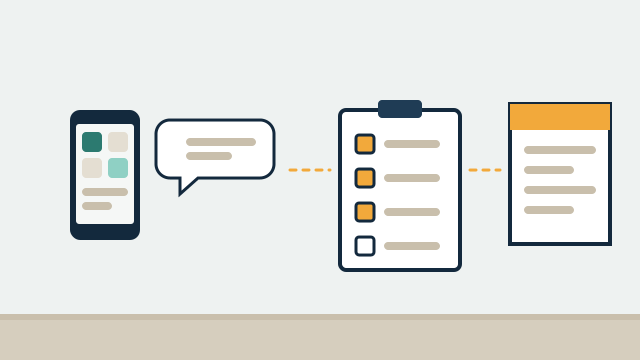
The proposal is a written document that explains what we’ll do, with which equipment, and at what cost. It is tailored to the property, and there are no standard packages.
| Section | What it tells you |
|---|---|
| Goals and scope | The routines, systems, and rooms covered |
| Existing equipment | Which devices will be reused, and which need replacing and why |
| New equipment | What we recommend supplying, or what you can purchase yourself |
| Labor | Installation, programming, testing, and training |
| Coordinated work | Any electrical, plumbing, or other work handled by licensed trades |
| Phases | What is in each stage, if the project is phased |
| Dependencies and limits | What needs internet, power, or third-party services to work |
| Optional care | Support agreement options, if you want them |
Travel is included in the quote. Installation, hardware, and support are paid services. You can ask questions, request changes, or compare alternatives before deciding.
What happens after you approve?
After approval, we schedule the work, order equipment, and coordinate with anyone else involved, such as a building manager, a contractor, or licensed trades. We don’t promise fixed timelines in advance because they depend on equipment availability, building rules, construction schedules, and the scope itself. We’ll agree on the schedule with you once those are known.
Installation includes setting up the platform, connecting devices, and programming routines and scenes. We then test them in the property, including what happens after a power interruption and how each control behaves for the people who’ll use it.
How are training and handover handled?
Training covers how to use the system day to day and what to do when something doesn’t respond as expected. We adjust it to the people involved: an owner who wants to edit schedules needs different training than a house sitter who only uses a keypad.
Handover typically includes a walkthrough, notes on the routines and controls that were set up, and a list of the accounts and devices involved. For businesses and property managers, it can include how to add and remove users when staff or tenants change.
What about ongoing care?
Ongoing care is optional. Some clients prefer a recurring support agreement, and others ask for help as needed. Each agreement defines its own hours, response commitments, remote and onsite scope, and fees.
Systems change over time as devices update, batteries run down, and needs evolve, so it helps to decide early who will look after the system. Our support and maintenance page explains the options.
How AppxSmart can help
AppxSmart, by SwayPC, handles the whole path from first conversation through assessment, proposal, installation, training, and optional care, with one team throughout. If you’re curious about what custom automation could do in your home or business, the first step costs nothing.
Request your free consultation with the guided form, and we’ll contact you as soon as possible.
Questions people ask
Is there any obligation after the consultation or proposal?
No. The consultation and the proposal are free. You can ask questions, request changes, or decide not to proceed. Work starts only once you approve a proposal.
Do I need to be at the property for the onsite visit?
Not always. Second-home owners and property managers often arrange access through a manager, a neighbor, or building staff. We'll agree on the arrangement beforehand, including any building rules about contractor visits.
Can the proposal be changed after I receive it?
Yes. It's common to adjust scope, move items between phases, or swap equipment after reviewing the first version. A revised proposal reflects those changes.