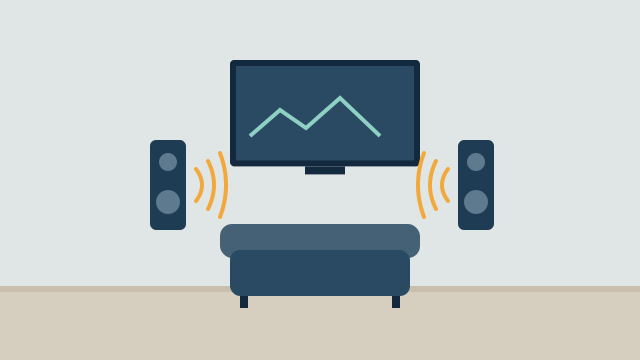
Bringing audio, video, and entertainment together means a few simple controls start the things you do most: watching a movie, putting on music for dinner, or playing a game on the patio. Getting there starts with an inventory of the equipment you already own and an honest look at how each device can be controlled. The control method, more than the brand, decides how reliable the result will be.
What does entertainment control look like day to day?
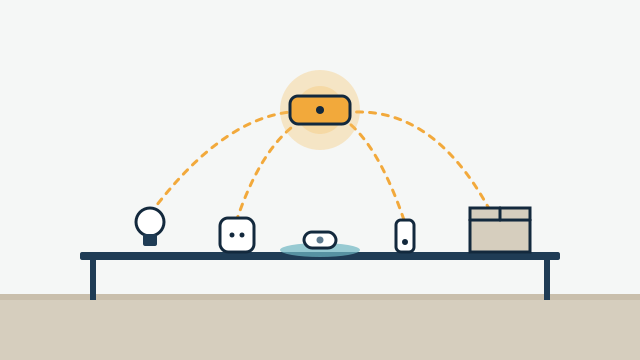
In a well-planned setup, one button or command sets up an activity. A “Movie” scene, meaning one command that sets several devices, might turn on the TV and soundbar, switch to the streaming device, dim the lights, and lower the shades. A “Dinner” scene might start a playlist in the kitchen and dining room at a set volume.
Common activities to plan around:
- Watch TV or a movie in the family room or media room.
- Music in selected rooms, either one zone or several grouped together.
- Outdoor entertaining, with music on the patio or by the pool.
- Background music in a business, such as a lobby, retail floor, or restaurant, on a schedule.
- Meeting room AV in an office, where the display, input, and volume are set from one control.
Scenes work best when they include the lights and shades too. Our guide to lighting scenes for homes and businesses covers that side.
Can my existing equipment be part of the system?
Often, yes. TVs, streaming devices, soundbars, receivers, and wired speakers from many brands can be integrated, but each one needs to be checked by model. We look at what you have before suggesting replacements, the same way we approach making existing smart devices work together.
Things we check:
| Item | What we look for |
|---|---|
| TVs | Network control support, HDMI-CEC settings, available inputs, HDMI ARC or eARC port |
| Streaming devices | Which platforms can control them, and whether they respond to network or CEC commands |
| AV receivers and soundbars | Network control, input switching, how the TV’s audio reaches them |
| Speakers already in walls or ceilings | Wire condition, impedance, and what amplifier they need |
| Wireless speakers | Brand ecosystem, grouping options, and network requirements |
Existing passive speakers, meaning speakers powered by a separate amplifier, are often worth keeping. A network amplifier can give them streaming and grouping. Sonos’s setup guide for its Amp, for example, lists the power rating attached speakers should have at each impedance (125 W for 8-ohm speakers, rising for 6- and 4-ohm speakers), recommends 12- to 16-gauge speaker wire, and says runs longer than 300 feet are not recommended. Other amplifiers have their own specifications, and we match the amplifier to the speakers you have.
Illustrative example: A Hollywood homeowner has in-ceiling speakers in the kitchen and living room from a previous owner, plus a newer smart TV and a streaming box. The plan keeps the ceiling speakers, adds a network amplifier so they can play streaming music, and sets up a “Movie” scene that turns on the TV, selects the streaming box, and dims the living room lights. The original remotes stay in a drawer for occasional settings.
How do IR, HDMI-CEC, and network control compare?
Each control method has strengths and limits. Infrared works with almost everything but is one-way. HDMI-CEC is convenient but inconsistent across brands. Network control is usually the most capable, when the device supports it.
| Method | How it works | Strengths | Limits |
|---|---|---|---|
| Infrared (IR) | A remote or IR emitter sends light signals to the device | Works with most older and newer equipment | One-way: the system can’t confirm the device received the command; needs line of sight or an emitter on the sensor |
| HDMI-CEC | Devices send control messages over the HDMI cable | Can turn devices on and off together and switch inputs without extra hardware | Support varies by brand and model; settings may be off by default; some devices ignore some commands |
| Network (IP) | Commands travel over the local network through the manufacturer’s interface | Can report status, such as power and input; no line of sight needed | Depends on the manufacturer offering control; firmware updates can change behavior; needs a reliable network |
| Serial or wired control ports | Dedicated control port on some receivers, projectors, and displays | Reliable and well documented on professional gear | Less common on consumer devices; requires wiring |
The practical impact shows up in a “Movie” scene. If the TV only accepts IR, the system sends “power” without knowing whether the TV was already on, which can turn it off by mistake. Devices that support discrete commands (separate “on” and “off”) or network status avoid that problem.
HDMI-CEC and HDMI ARC in practice
HDMI-CEC is the feature that lets your TV remote control a soundbar’s volume, or lets devices turn on together. Manufacturers often give it their own brand name in TV menus. It needs to be enabled on each device, and the connection matters. Sonos, for example, notes that its home theater products connected through the TV’s HDMI ARC port work with both IR and RF remotes, while products connected by optical only work with IR remotes. Its documentation also says CEC must be enabled on the TV, with the Sonos product connected to the HDMI ARC port.
Home automation platforms can also use CEC. Home Assistant’s HDMI-CEC integration, for example, can select the active device, put devices in standby, and adjust volume on a CEC audio system, but it requires a host that supports CEC or a USB CEC adapter connected by HDMI. Port numbers don’t always match CEC addresses, so setup can take some testing.
How does multi-room audio work?
Multi-room audio lets you play different music in different areas, or group rooms to play the same thing. Most systems today stream over the home network, with speakers or amplifiers in each zone and an app to group and control them.
A few planning points:
- Zones. Decide which areas need independent control. A kitchen and dining room might be one zone; a primary bedroom usually its own.
- Sources. Streaming services need internet. Local sources such as a turntable or CD player connect through an input on a supported device.
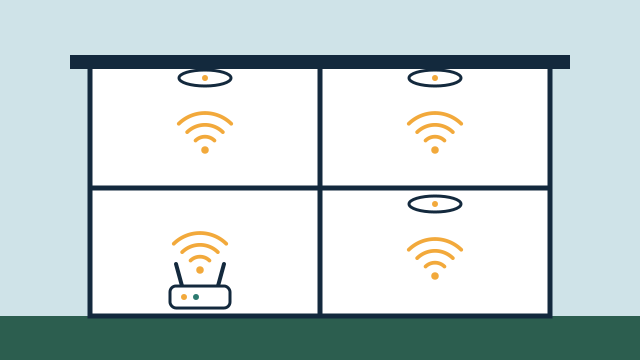
- Network. Audio streaming is sensitive to weak Wi-Fi. Wired connections for amplifiers and key speakers help, and Wi-Fi coverage needs to reach every zone, including outdoors.
- Controls. The app is fine for choosing music. For daily use, a keypad or a voice command for “kitchen music on” is often easier.
Network quality decides how stable all of this feels. Our article on why networking matters for automation explains what to check.
What should you consider for outdoor audio?
Outdoor audio needs equipment rated for outdoor use, placement that protects it from the worst of the weather, and attention to how sound carries. South Florida adds strong sun, heavy rain, high humidity, and salt air near the coast.
Considerations:
- Weather-rated speakers. Use speakers built for outdoor installation, and mount them under eaves or covered areas where possible.
- Amplifiers indoors. Keep amplifiers and network equipment in a dry, ventilated indoor space, with speaker wire running out.
- Wire runs. Plan the route through walls or conduit before landscaping and hardscape are finished.
- Coverage over volume. Several speakers at moderate volume usually sound better and disturb neighbors less than two speakers turned up high.
- Rules and neighbors. Condo associations, HOAs, and local noise ordinances may limit volume or hours. A schedule that lowers or stops outdoor audio at a set time helps.
- Wi-Fi outdoors. Wireless speakers on a patio need a solid signal, which may mean an outdoor-rated access point.
What should the everyday controls look like?
Daily controls should be simple enough for anyone in the house or business to use without instructions. A labeled keypad, a single remote for the main TV, and voice for common requests cover most needs.
Expect some limits. A single remote that controls every feature of every device is rarely practical, and one-touch control depends on what each device supports. The goal is reliable control of the common tasks, with the original remotes kept for occasional settings. In businesses, controls should be limited to what staff need, such as on, off, source, and volume, so settings don’t drift.
Plan for the internet being down too. Local playback and IR or CEC control may keep working, while streaming and most voice assistants stop until the connection returns.
How AppxSmart can help
The SwayPC team behind AppxSmart starts with an inventory of your TVs, speakers, receivers, and network, then designs scenes and controls around what each device actually supports. Because AV depends on a solid network, our networking background matters here. We integrate compatible equipment, recommend replacements only where they’re justified, and can supply hardware.
You can read more about our audio and video service, or request a free consultation and we’ll contact you as soon as possible.
Questions people ask
Can one remote control everything?
Sometimes a single remote or keypad can handle the common tasks, such as turning on the TV, choosing a source, and setting volume. Full control of every feature on every device is rarely realistic, because each device supports different control methods. We aim for simple controls for daily use and keep the original remotes available for occasional settings.
Do I need to replace my TV or receiver to get scenes?
Not necessarily. Many current TVs, streaming devices, and receivers support some form of network or HDMI-CEC control. Older equipment may only accept infrared commands, which works but gives less feedback. We check each model before recommending replacements.
Does multi-room audio work without internet?
Streaming services need internet. Some systems can still play local sources, such as a turntable or TV audio connected to the system, when the internet is down, as long as the local network is working. Behavior varies by brand and setup.